100x Faster TI-84 Calculator
Speed Up TI-84 Calculator by 100x for Graphing
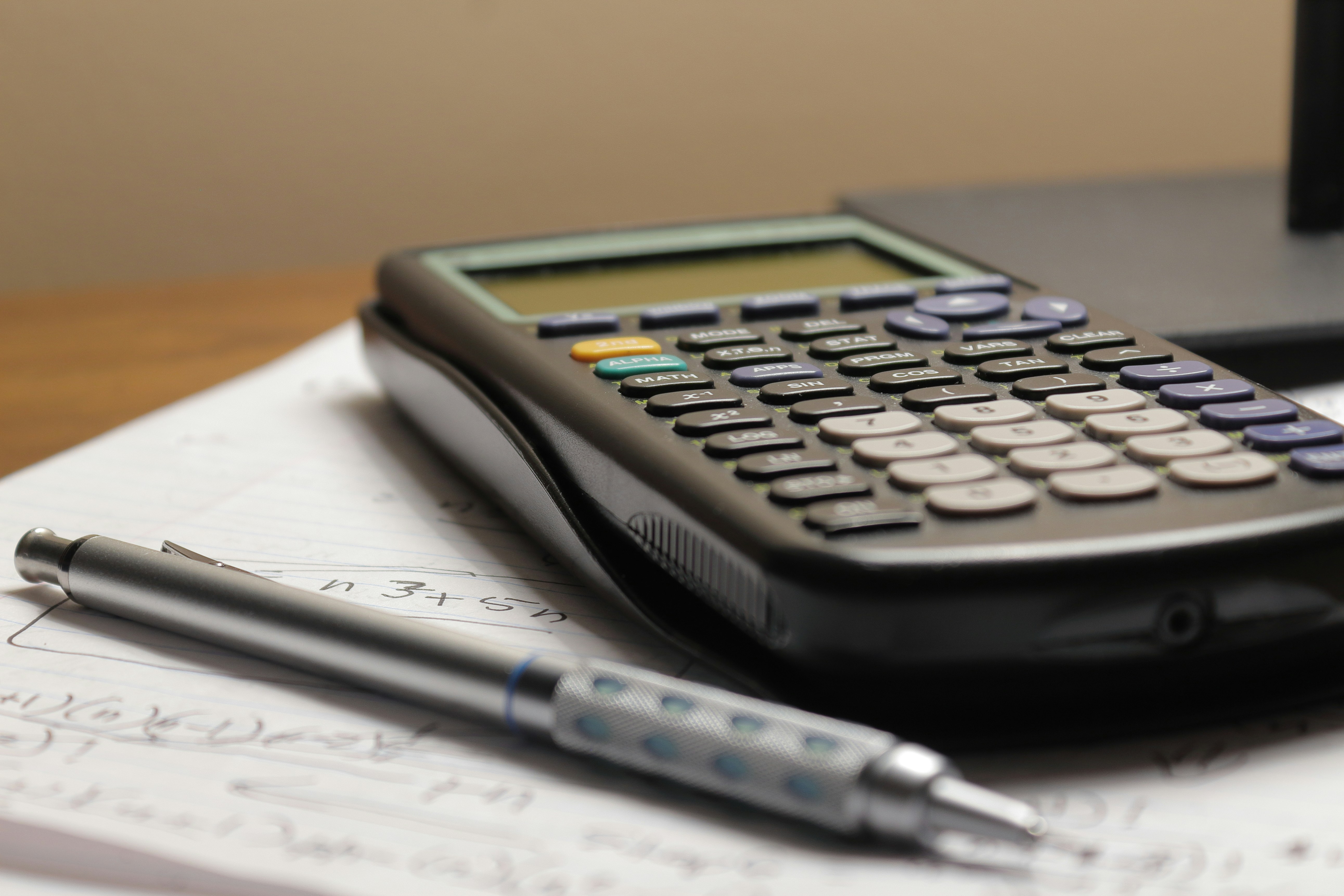
So you know what really grinds my gears to a level of minor annoyance. These TI-84 calculators being super slow when graphing. Recently I have been working on my summer assignments for school so I had to do some stuff for math. And there is one issue. How dang slow they are. Examples being with graphing, loading, and clearing.
However, I recently found out this issue can be remedied for this.
[For speed] Window > Xres
[For effect - for all line to be produced at the same time] Mode > Simul (graphing)
Then change it to something greater than one (example: Xres = 3). X resolution is at what interval the calculator graphs a plot. I found this extremely useful for speeding up my results during the SATs because I had to wait a significantly less amount of time to graph four different functions on one graph.
Limitations
When you are using the trace function (which finds a certain Y value for a given X, you are much more limited). This process is ONLY for seeing the general shape of the graph. Adjusting this X Resolution effects everything from the Table, Calculating Minimums and maximums, and all other functions that are used to find exact Y coordinates. This setting does NOT reset when the calculator turns off.